The Adventure Starts Here: travel
Showing posts with label travel. Show all posts

Tuesday, August 23, 2016

Weekend Unexpected...

Today I planned to do a recap on our day at the Little League World Series.  We went last year and had a lot of fun, but this year did not go at all as I expected.  If you follow me on Instagram or Snapchat (megflinn33), you already know what I'm talking about, but if not, here's the story.  

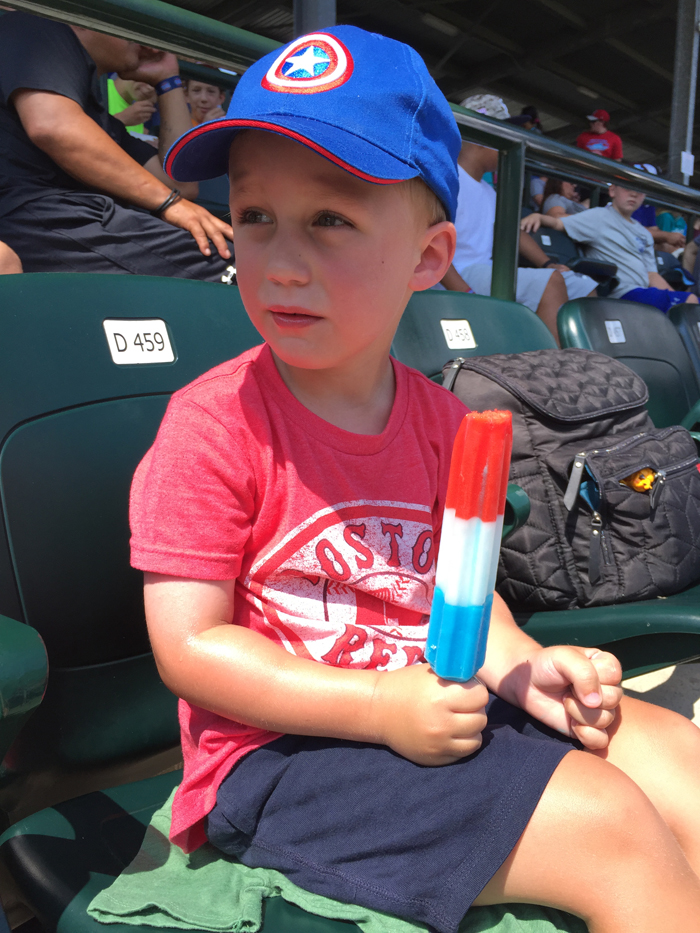
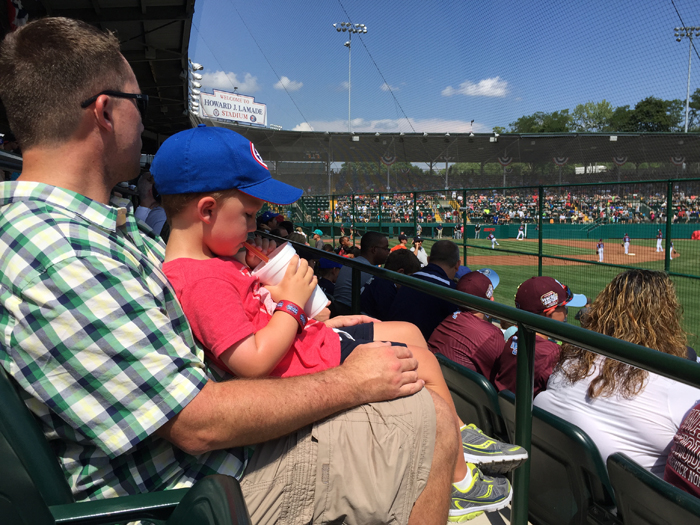
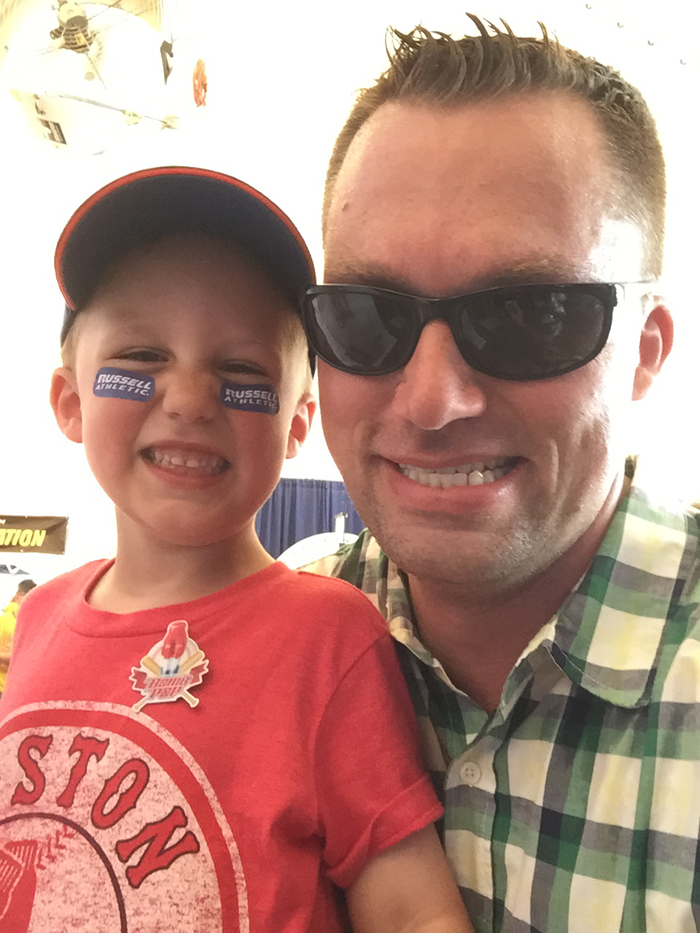
We drove out to Williamsport, PA to meet up with our friends.  We then headed over to the Little League World Series stadium to save some seats.  While it's nice that they don't charge admittance, it means there aren't assigned seats.  We got there two hours before the game and we could barely find six seats together.  Our seats were in the direct sun, so we did our best to stay cool.  The guys took the boys on little trips around the grounds to play games, collect pins, and have some photo ops, and we made sure to have a constant stream of drinks, smoothies, and ice cream.  
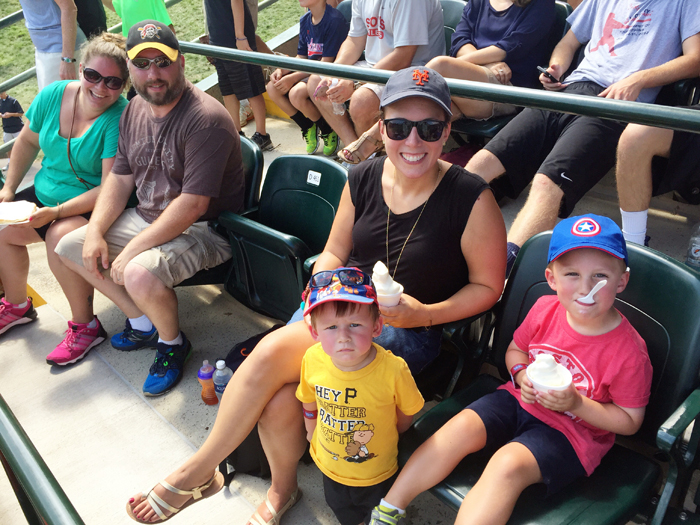

And while everyone else (including the kids) handled the heat well, I didn't do so well.  At first it was just the normal feeling hot and sweaty, but when I stood for the national anthem, I felt like I was gonna fall over if I didn't sit down.  Chris was out walking with Noah, so I texted him to come back.  We left Noah with our friends and he was gonna walk with me to the bathroom.  I barely got down 2 steps before I was seeing black spots and had to sit down before I passed out.  The ushers immediately came over and told me they'd call for help.  I was then walked over to first aid, which was air conditioned, and given some cold water while they checked my blood pressure and sugar level.  My blood pressure was low, but didn't raise any red flags.  And Noah was excited because he got two first aid pins.  I joked that he should thank me for getting sick so that he could get some special pins most kids wouldn't collect ;)  He got so many pins that we just ordered this pin case.  

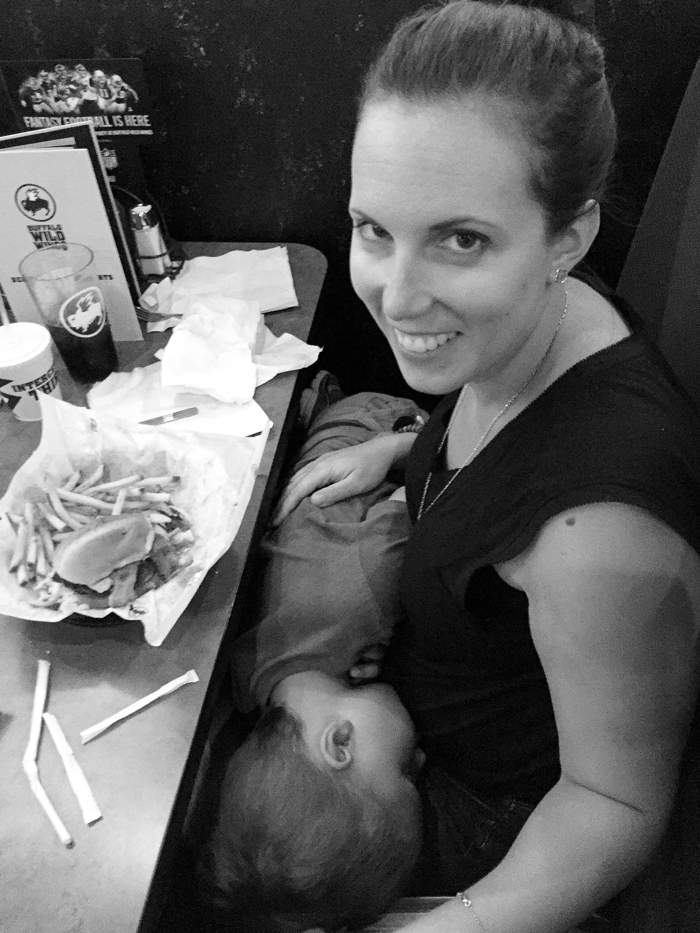
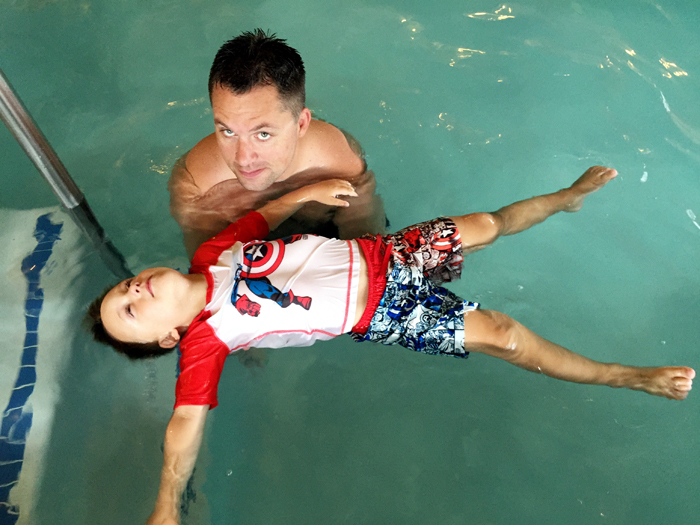
After resting in the cool room and drinking lots of water, I felt good enough to go home.   The good news is, the kids couldn't really care less about the actual game.  Instead, we headed back to our friend's house where the guys took the boys swimming next door while I rested inside.  At this point, I felt much better and only had a residual headache.  So we continued on with our plans to go out for dinner at Buffalo Wild Wings.  But I guess the heat and the swimming tired Noah out, because he fell asleep while we waited for our table.  He was out!  He stayed asleep the entire time despite being moved from my shoulder to my lap so I could eat my food.  He stayed asleep when we checked into the hotel, changed him into his pajamas, and didn't wake up til the next morning.  I guess he really needed the sleep!  
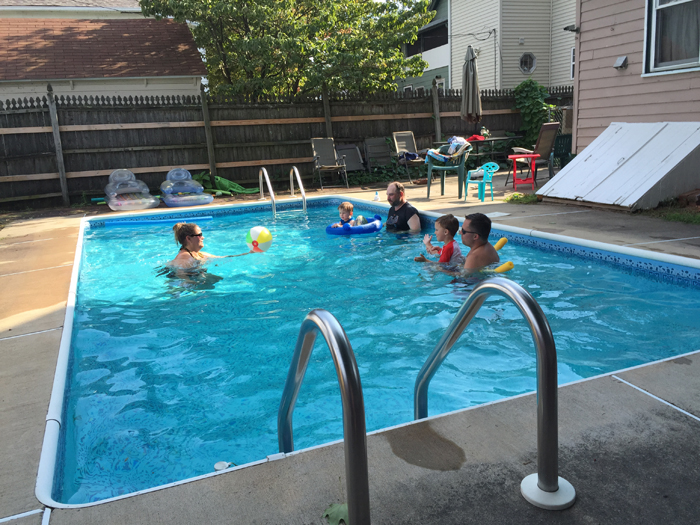

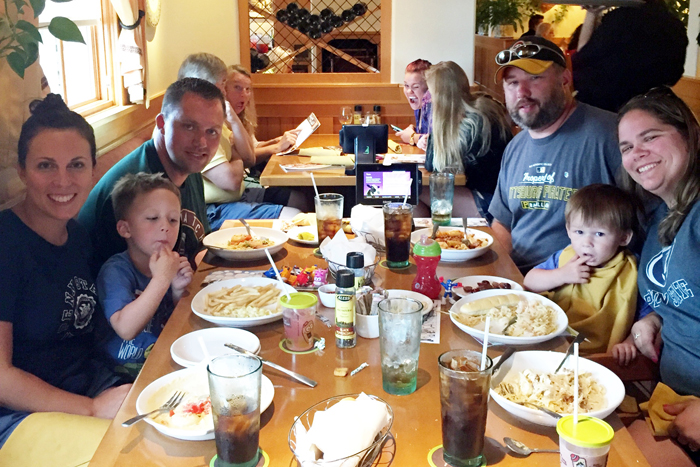
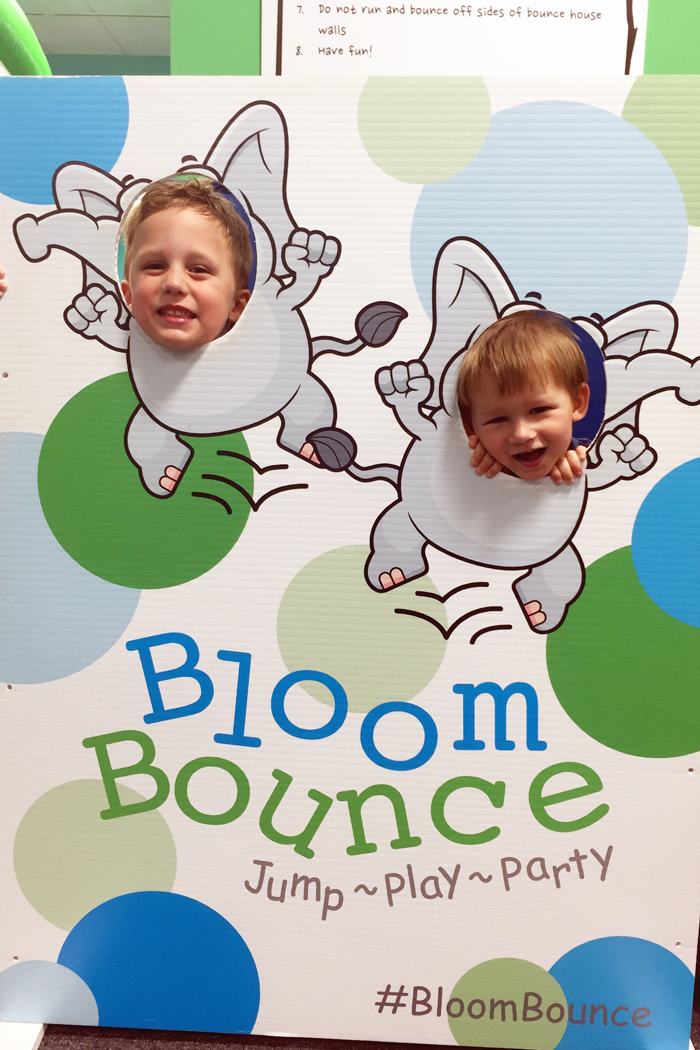
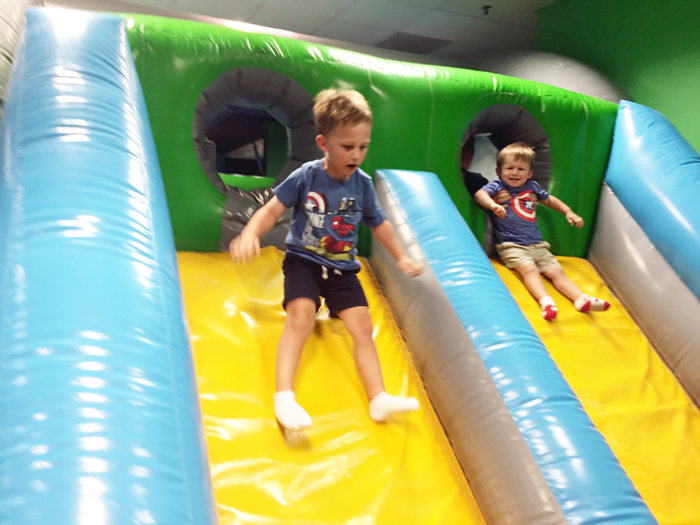
The next day, Noah was up bright and early, so Chris took him swimming at the hotel pool.  Then we were off to meet our friends at Knoebels.  In case you aren't from around here, Knoebels is an amusement park where you just pay per ride and there isn't an admission fee.  We were really excited to take the kids for their first time (it would have been Chris' and my first time too), so we were really bummed when it was raining on our way over.  We hoped that it would stop soon, but it just never gave up.  We finally gave up and decided to find alternative (and indoor) plans.  We found a bounce place within half an hour and an Olive Garden right across the street... win win for everyone!  The kids got to bounce and we got to have unlimited salad and breadsticks :)

So while we didn't get to see the baseball game or go to Knoebels, it doesn't matter because we still had a wonderful weekend with our friends.   And now we know what we want to do next summer!  


Wednesday, August 17, 2016

How to Make Family Vacation Videos

I really enjoy making family vacation videos.  While I am a huge fan of photos (and take way too many), I especially love making and watching videos from our adventures.  My love of making (and watching) these videos is kind of funny since I opted against having a videographer at our wedding because I didn't think we'd ever go back watch it... what did I know!?!  I started making vacation videos back in 2011 after my younger brother made an amazing video of his trip to Iceland (more of his videos here).  I asked him what program he used and the rest is history.  Here's my most recent video... of our family beach vacation in Rhode Island.  


Along the way, I've taught myself, asked some questions, and come up with a few tips that might be helpful if you are looking to make your own family vacation videos. 

1. Take videos of everything.  Start from the very beginning of your trip and record short clips of every part of you trip.  You'd rather have too much footage and decide not to use it in your final product than feel like you don't have to enough to truly represent your vacation.  I figure, if I take a photo of it, I also take a 2-3 second video of it.  This works especially well for including the stationary details, like food!  

2.  Use multiple devices.  Since you will want to record a lot, my suggestion is to have multiple devices handy.  I personally use my iPhone, my Nikon AW130 for underwater video, and ask family members to use their iPhones too.  I know many people use their DSLR for video, but I personally have not spent the time to feel 100% comfortable with it just yet.   A GoPro would be great to use as well! 

3.  Get in front of the camera sometimes.  I know from experience that it's easy to become the documenter and not be in any photos or videos.  We now make a conscious effort to take turns with who is in front and behind the camera.  This past trip, my mom was a huge help and took videos with my phone while I took photos with my DSLR.  When I wasn't taking photos, I would take some quick videos (so she could be in them as well) and even handed it to Chris at times.  

^^^ my mom on video, me on camera :)

4.  Take video first.  If you don't have multiple people available, so that you can shoot video and photos at the same time, I suggest shooting video first.  If you want your videos to show true emotion, you will want to video your kids' reactions first off and then take your photos. It's much easier to stage a photo than a video.  For example, in this video, I recorded Noah and his cousin Aidan, having fun with the beach chairs.  I recorded them putting the chairs up and down a few times, smiling and laughing at each other and even sticking their tongues out.  After I captured the moment on video, I switched to taking photos.  I don't think I would have gotten the same excitement out of them if I waited til the end to take the video.  

^^^ we handed the phone off to Chris and he took photos and video of us playing catch

5.  Don't worry about random conversations or background noise.  I don't know about you, but people tend to get shy and stop talking when they know you are recording them because they are worried about sounding silly.  This can make for a very awkward video.  This was actually one of the main reasons I didn't want a videographer.  Too many times I was caught on camera having an awkward conversation when getting ready as a bridesmaid ;)  Recording on a phone helps with this because people aren't sure if you are taking a photo or a video.  I've also put my family at ease by saying that unless someone is saying something really cute or something related to the vacation, all their talking will be covered by a song.  And on this particular trip, the wind at the beach was pretty loud.  I was so relieved to be able to cover that all up!    

Now that you have all your footage, how do you actually make the video???  These next steps are how I personally make my videos, but there are probably many other ways you can do it.  I have a Mac and use iMovie, so if you only use a PC, this won't be of much help.  And for any iMovie users out there, if you have any tips for me, I'd love to hear them... I'm always learning!    

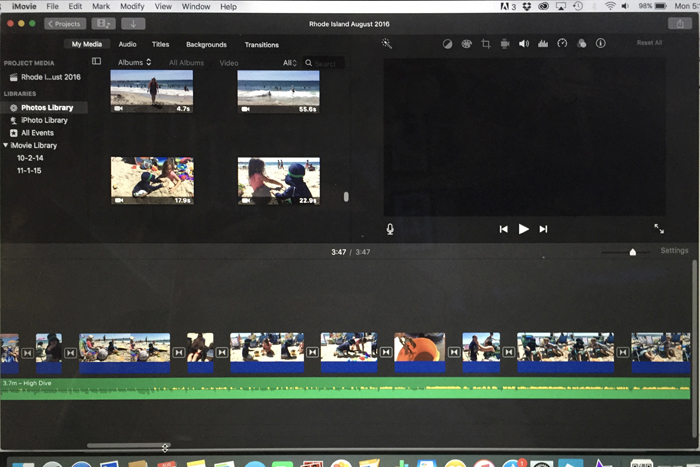
1.  Upload all your photos onto your computer in Photos.  When I get home from a trip, I upload all my videos (from all my devices) into Photos.  I then open up iMovie and all my videos are right there.  You may have to search in the "My Media" section depending on how your organize things in Photos (albums, collections, moments, etc).  

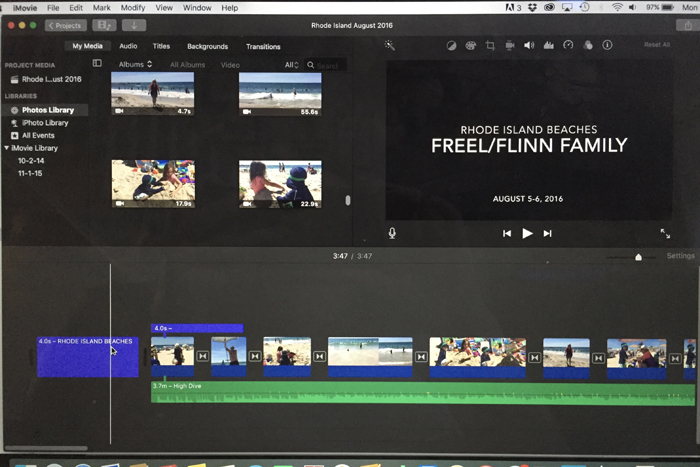
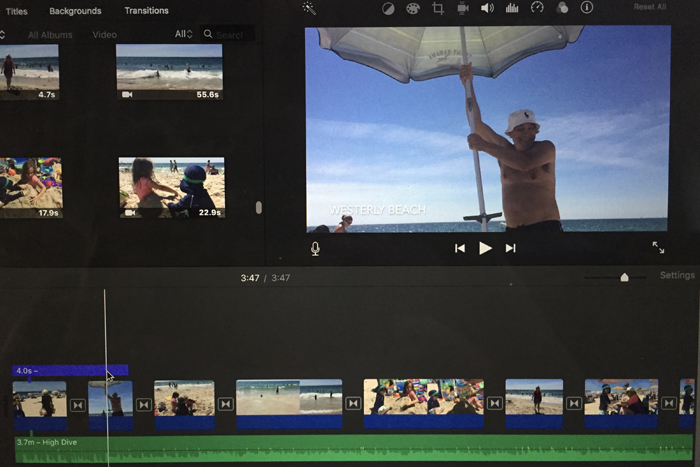
2.  Create a new project and start dragging your video clips down.   My personal method is to pull down the clips in their entirety and then edit them in the "zoomed in" view.  For vacation videos, I prefer the end result to be 1-2 songs long, so I make sure to clip my videos down so that everything fits.  This usually takes going through it many, many times... this is the most time consuming part.  And while you may think you need longer video clips, you can often use just a few seconds of each activity to get your point across. 

^^^ you can find all your videos in the Media section above.  Then just drag them down to the bottom section to start making your video.  

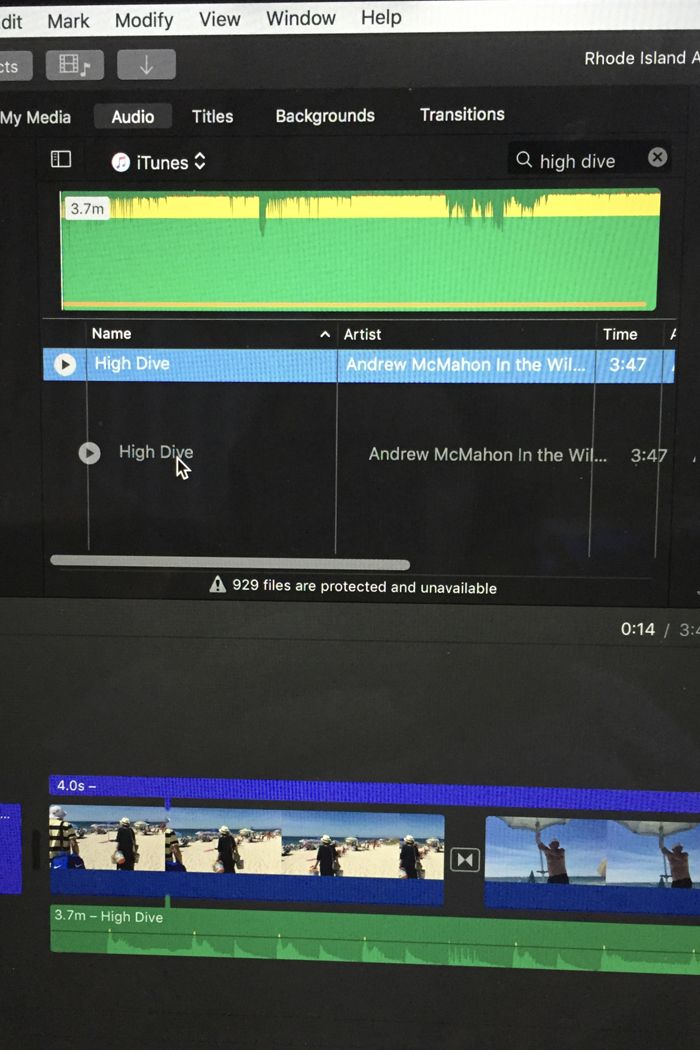
3.  Add music.  While I would love to give you some amazing advice on how to pick your songs, I really don't have a quick fix.  Throughout the year, as I hear songs on the radio or on TV and movies, I will make a note of the song so I have a running list when it comes time to make videos.  My videos are all very family oriented, so the vibe of my songs are all very similar.  

As for the technical side, you can access all your iTunes music in iMovie.  You can just type the name of the song or artist you are looking for in your library and then drag your song down into your project on the bottom.  


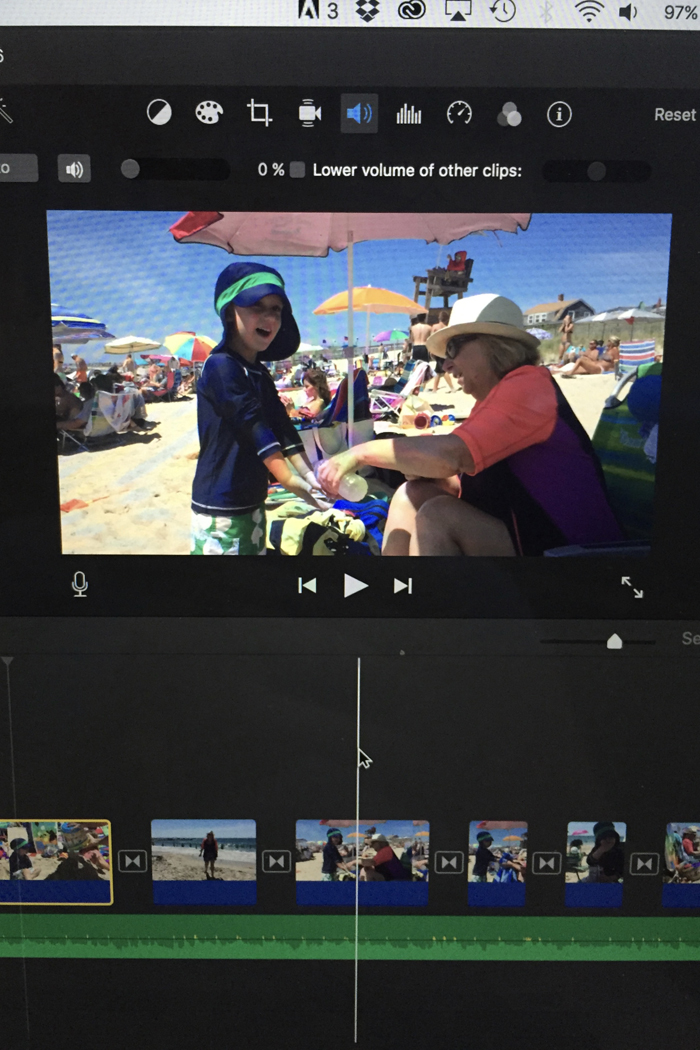
Depending how you want your final video to be, you can either lower the audio of your videos and just have the song playing, or you can lower the volume of the song so that you can hear the sound from your video.  If you don't alter either, you will have competing audio.  You can change these settings on every clip you add to your project, or select all and change the settings once.  Once your music is added, you will probably want to go back and edit your clips some more so that your video is the correct length.  Also, some of your clips might work better with a certain part of a song, so you can fool around with that now too.  

^^^ to adjust the audio of each clip, click on the speaker icon (in blue).  To have the video's audio lowered, lower the circle so it says 0% (like I have above).  If you want the song's audio lowered so you can hear the video's sound, select "lower volume of other clips".  

The next thing I want to learn how to do, is to add a song where it's just the music and not the lyrics.  There are a few songs I would love to use in future videos, but parts of the song's lyrics just don't work with the theme of my videos.  So if you know how to do this, please let me know!

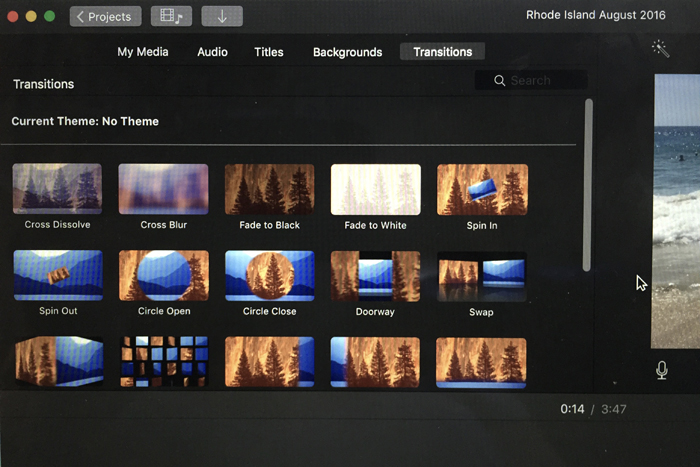
4.  Add transitions and text.  To make the transition from each clip look a little smoother, it's nice to add a transition.  There are a lot of options, but I always use Cross Dissolve... but that's just a personal preference.  


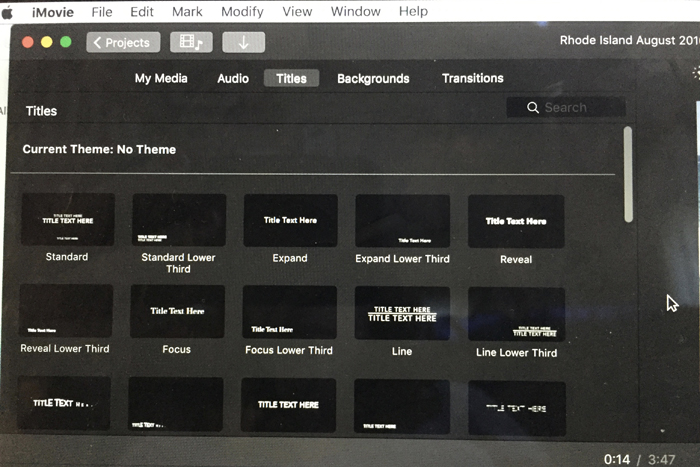
I also like the add Titles to the beginning and end of my videos.  I will occasionally add a title in the middle of my videos (like I did this time) if we are going to multiple destinations on a vacation.  


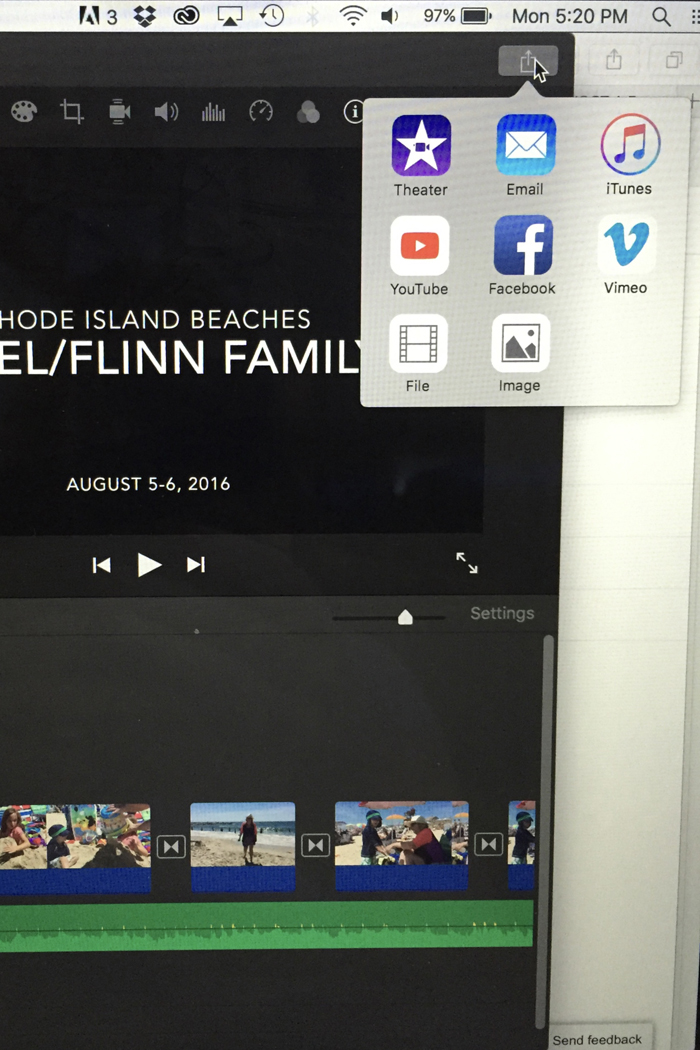
5.  Save and share your video.  Once you are totally happy with your finished product, it's time to save and share it.  First, I save it as a "file" so that I can back it up on my hard drive and dropbox as well as add it to YouTube.  Since these video files are pretty large, I find it's best to load to YouTube (I save them as unlisted) and then send the link to family and friends.  This is also how I share my videos on the blog.  Back in the day when I had a DVD drive in my laptop, I would burn a copy to a DVD for anyone that wanted it, but that's a little old school these days.  I also save a copy to my iTunes so that I can easily watch it on any of my Apple devices, like my iPhone and my Apple TV.  When I make Noah's annual birthday video, we play it for our families on our big TV using Airplay from my iPhone to Apple TV.  


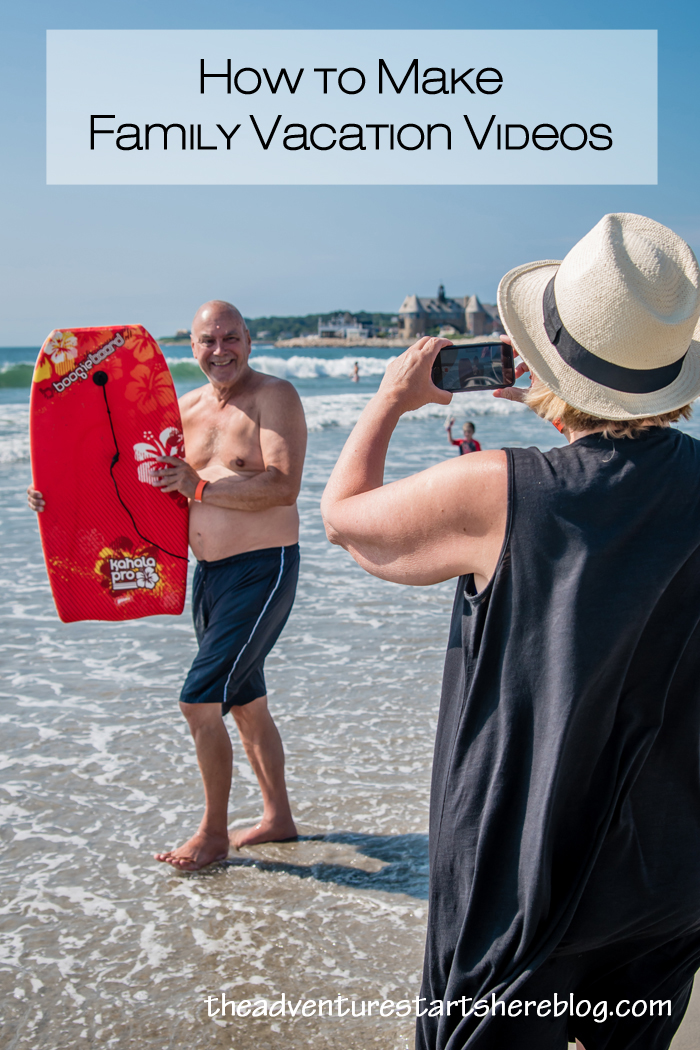
Wanna pin it?


And in case you are interested, here are some more of my past family vacation videos...

And some super long birthday videos!
So tell me, do you take videos on your family vacations, or do you just stick to the photos?

*affiliate links used

Tuesday, August 16, 2016

Narragansett Beach with the Family

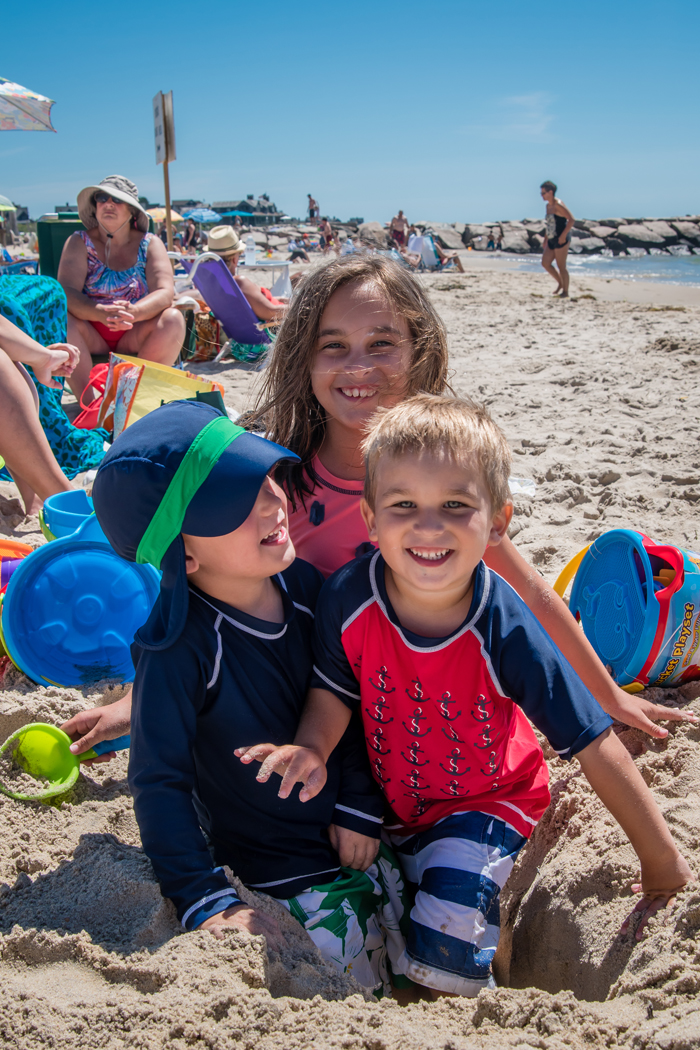
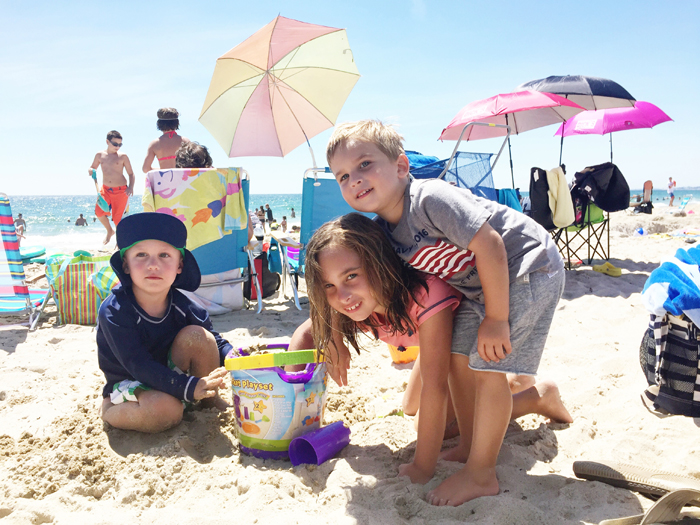
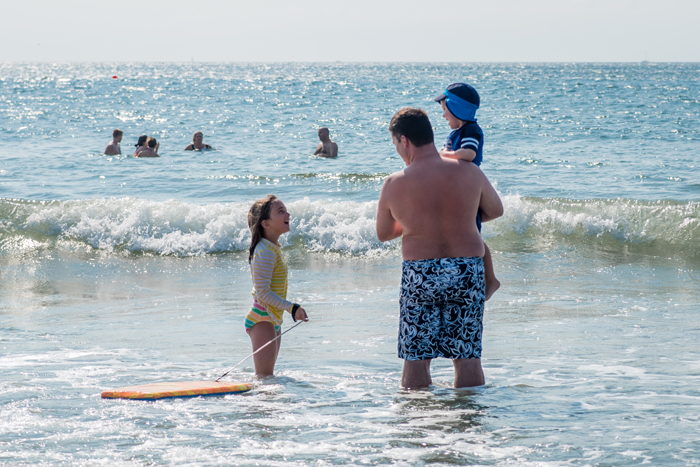
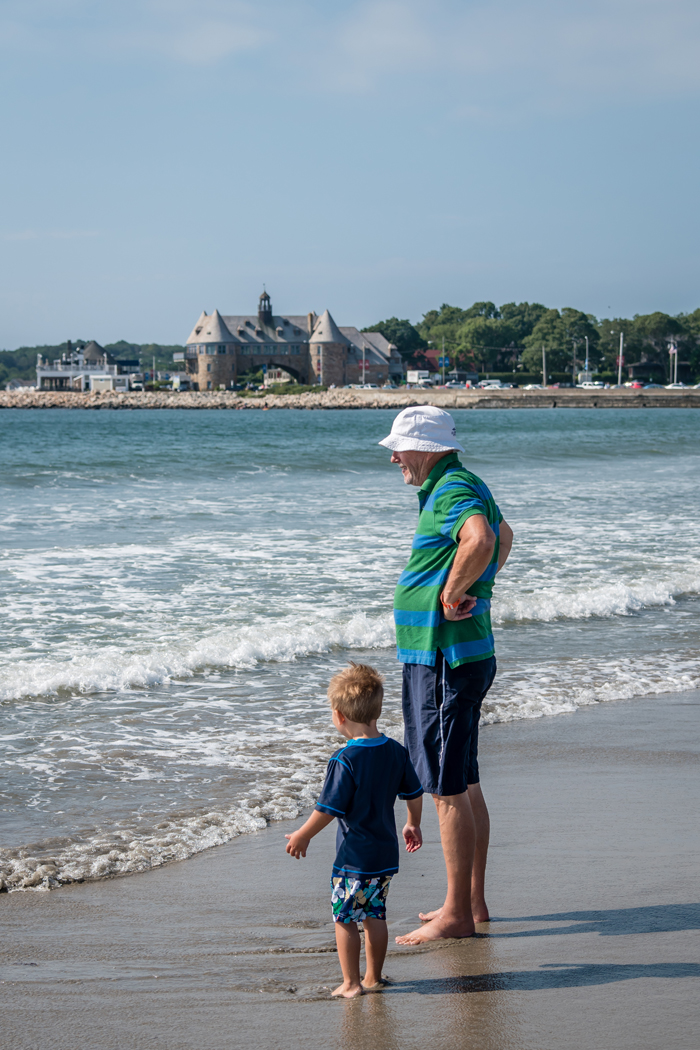
Going to Narragansett beach has become a family tradition.  Since my brother and his family live only 25 minutes away from the beach, it has become a no brainer to visit them in the summer and get some beach time in.  While the weather forecast was iffy this year, it ended up being beautiful and we realized we have really lucked out with gorgeous weather the 4 years we've done this trip.  It's been amazing to watch Noah and his cousins grow and play with each other each year.  


We headed up to Rhode Island two Fridays ago, and for the first time hit no traffic at all.  Anyone who's driven 95 through Connecticut knows that's a miracle, so I'm assuming it has something to do with our early departure time (7 am).  We were at the beach by 11:30 and the kids (and Chris) were ready to play.  I know I just said that Narragansett beach is our tradition, but this year my sister in law suggested going to Westerly beach on the Friday.  It's a much smaller beach, but that wasn't a big deal at all.  And while we were on a public part, just down the coast is where Taylor Swift's house and private beach are... you may have seen photos of her and her famous friends frolicking in the ocean on the 4th of July.  We however did not see her... obviously!  


I always laugh at how into playing with the kids Chris is.  Back home, all of Noah's friends immediately gravitate towards him and even ask for him when he's at work.  He's always up to play and comes up with the best games.  Sometimes I feel bad because he's doing all the hard work while the other parents chat, but I really think he loves it (right???).  Case in point, when we arrive at the beach, I immediately start to set up the chairs and umbrella, while Chris is immediately in the sand with the kids, digging holes.  Right after playing in the sand, he was off to play in the ocean with the older cousins!  Apparently we have our roles down pat... he plays while I photograph! Time and again he wins the "best uncle (and daddy)" award!  


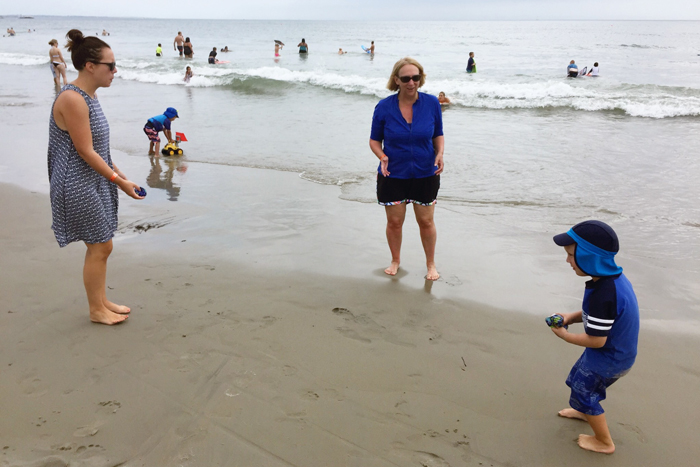
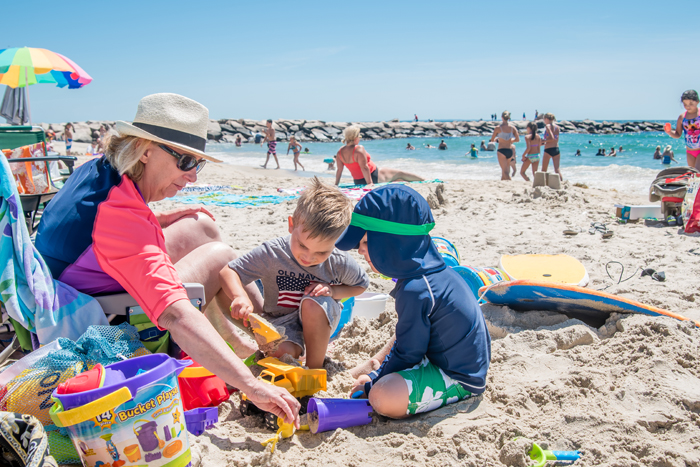
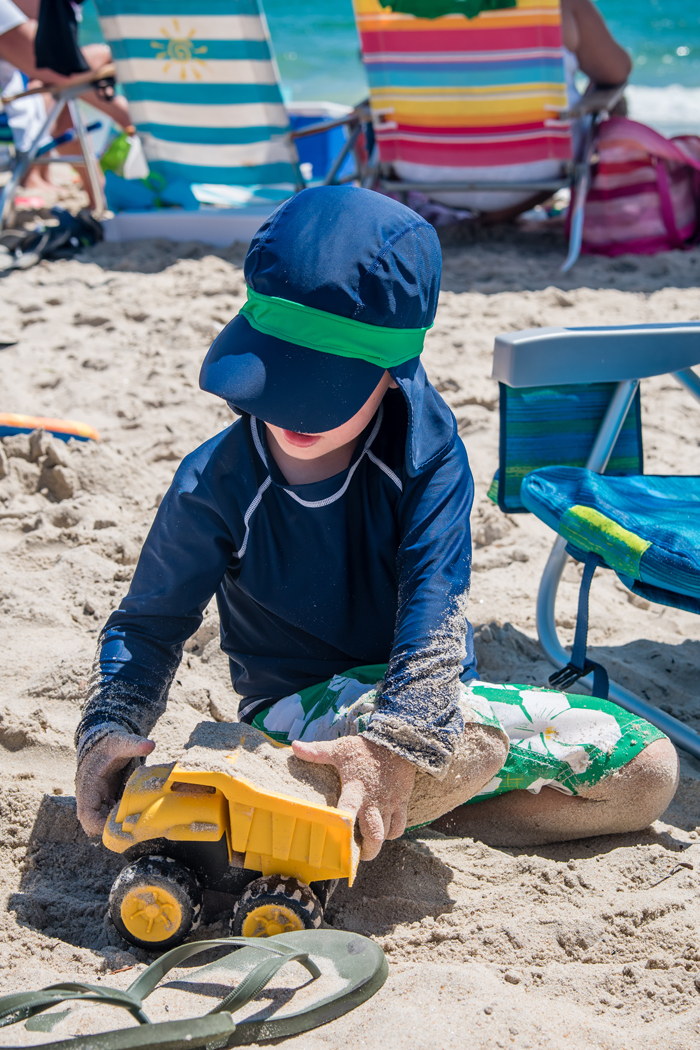
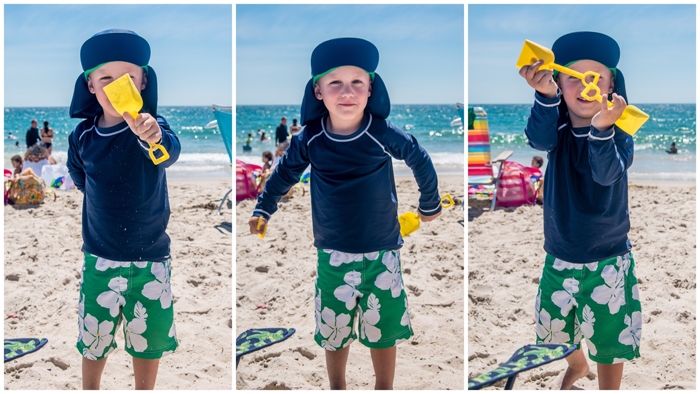
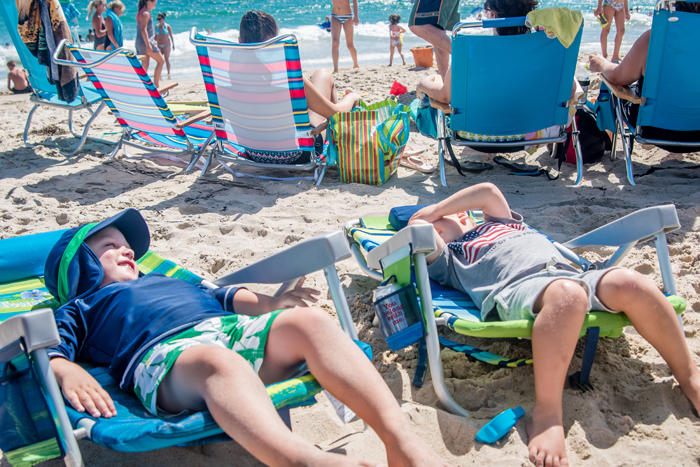
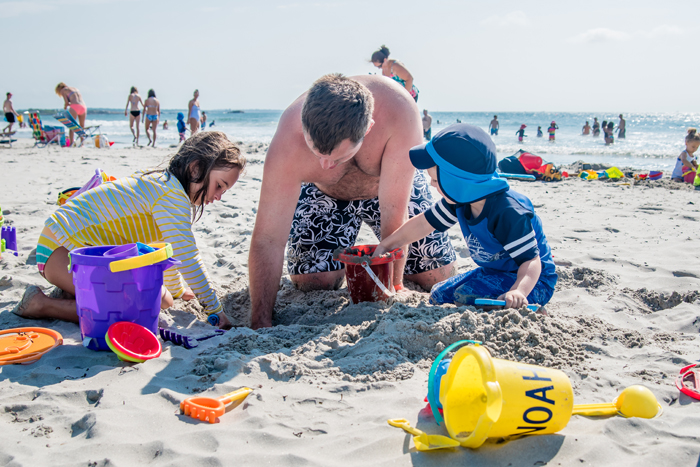
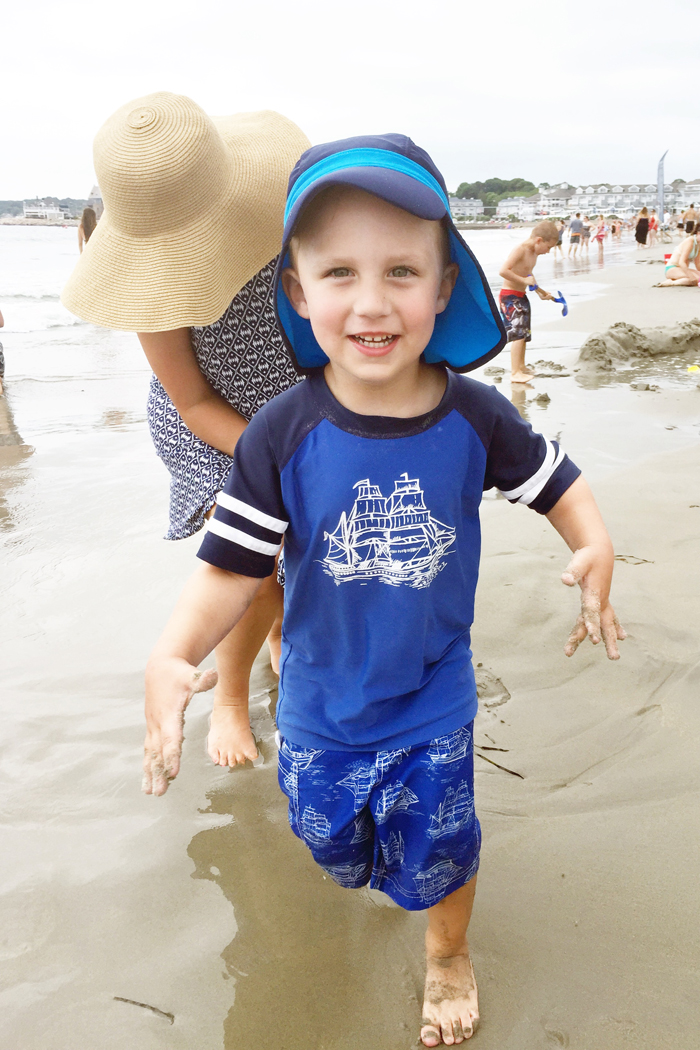
While the older cousins were happy jumping waves, the younger cousins were happy to dig in the sand.  Noah usually loves following around Kaitlyn and Matthew, and rarely plays with Aidan, who's only a week older than him.  But since Noah isn't a huge fan of the water, it was a nice change of pace to see Noah and Aidan playing together.  They played in the sand with Grandma, Noah did a "magic trick" with the shovels, and Aidan even showed Noah how to recline the beach chairs.  It was really nice to watch.

^^^ one shovel becomes two shovels... tada! 
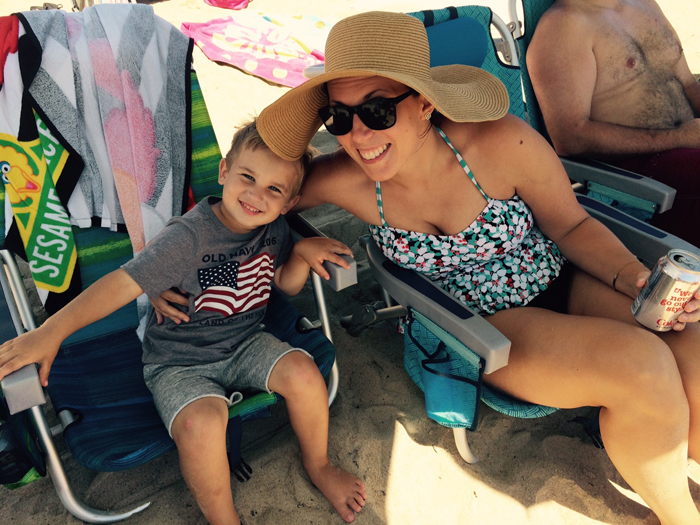
^^^ putting the chairs up and down provided endless entertainment!

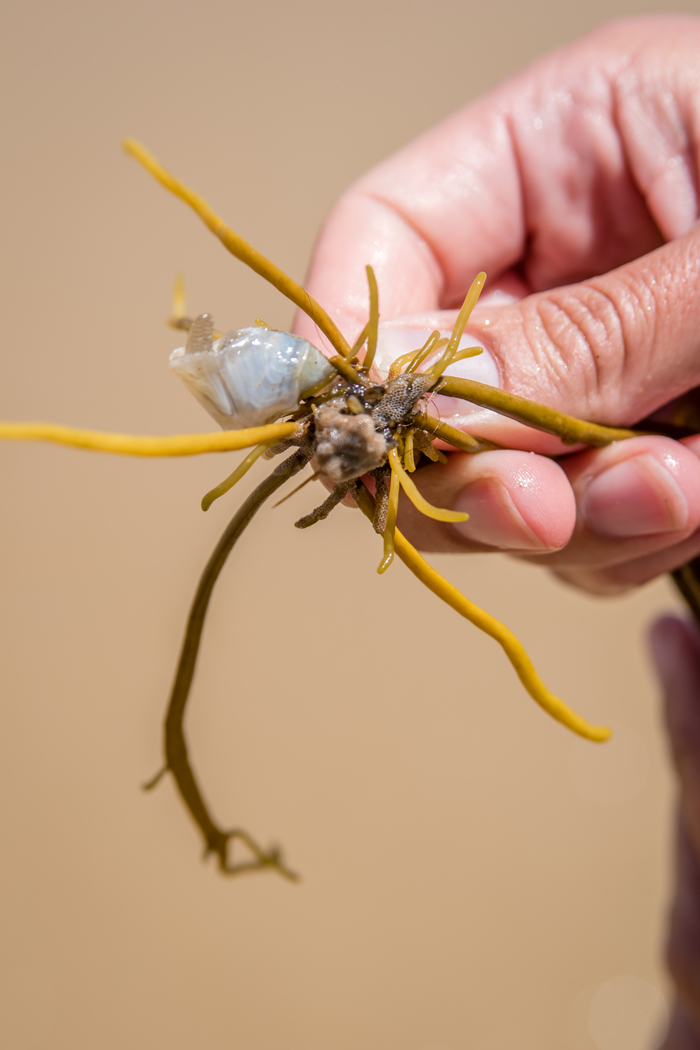
Meanwhile, I went out to take some photos of the older kids, and a random woman showed me this piece of seaweed and told me that the white sac (in the upper left) was a squid about to hatch (???).  Her kids seemed really into it and I figured my niece and nephew would find it cool too.  She told me to get a bucket of water to put it in and you could literally watch squid push itself out.  My 5 year old nephew was especially interested in it and watched the squid almost all afternoon.  We joked around that he was being a labor and delivery nurse that afternoon ;)


While I take the majority of the photos on these trips (as I do in every day life), my mom has been taking more in an effort to get me in more of the photos.  I really appreciate her doing this... now when we look back, we will know that I was actually there ;)

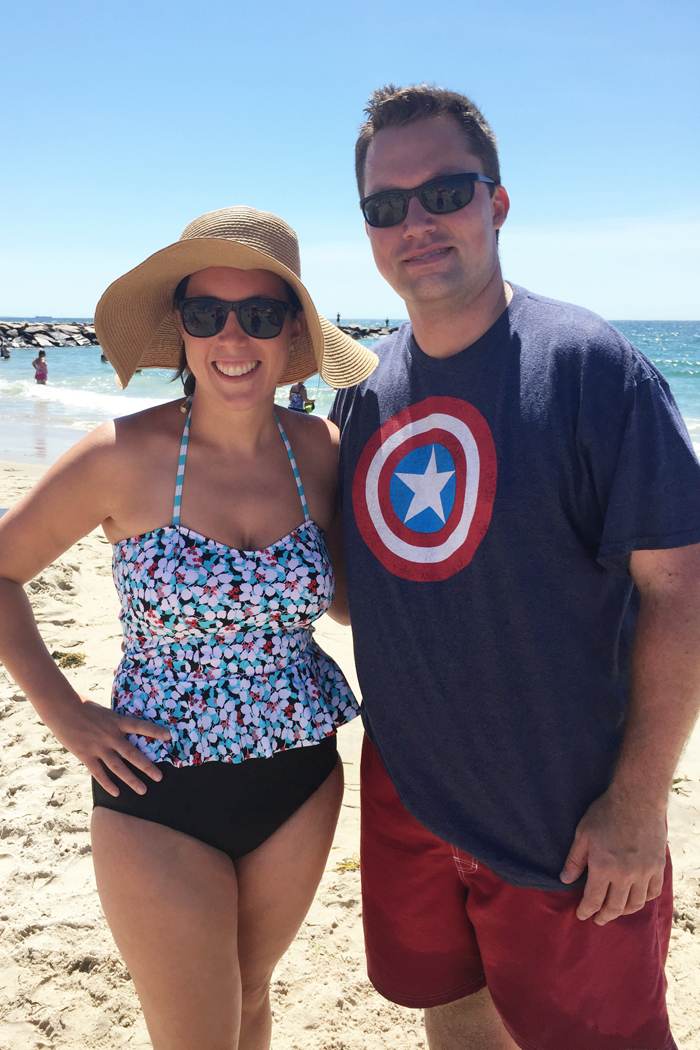
Limerick suit (on sale!!!) | hat (no longer available on Old Navy)
^^^ a rare photo of just me and Aidan... I love it!

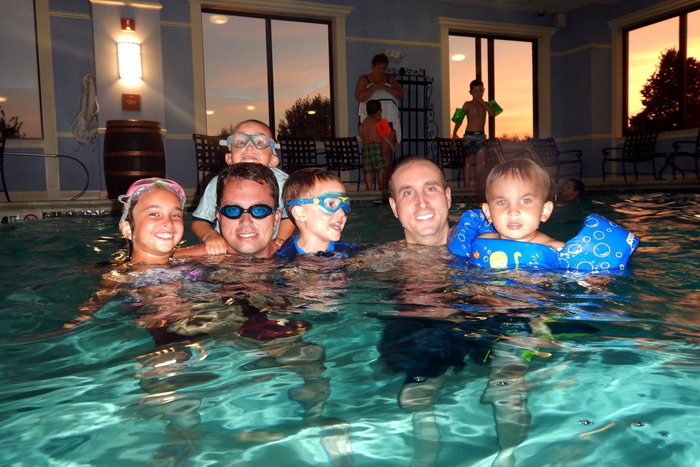
After a day at the beach, we met my brother (who was working) for dinner and then everyone came back to our hotel for a swim.  I shared some of my underwater photos last week, but it was definitely a different experience photographing in an indoor pool AND at night!  


The week leading up to our trip, we were very worried about the weather on Saturday.  They were calling for scattered thunderstorms up until the day before.  The forecast finally changed to just afternoon storms, so we took our chances and got to the beach bright and early.  While it was windier than we expected and couldn't keep our umbrellas up for long periods of time, it ended up being a beautiful day.  

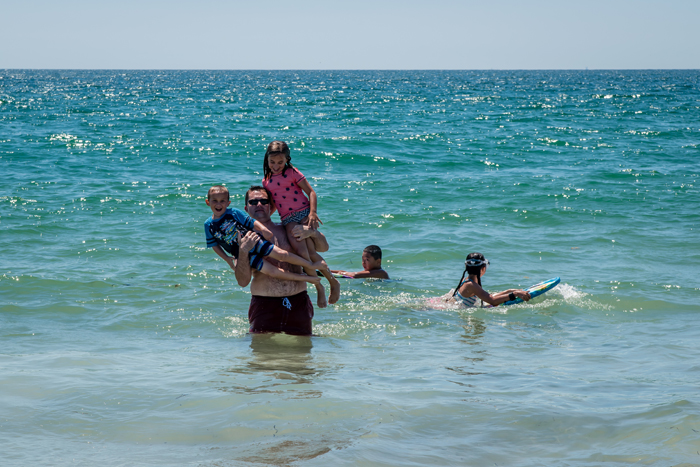
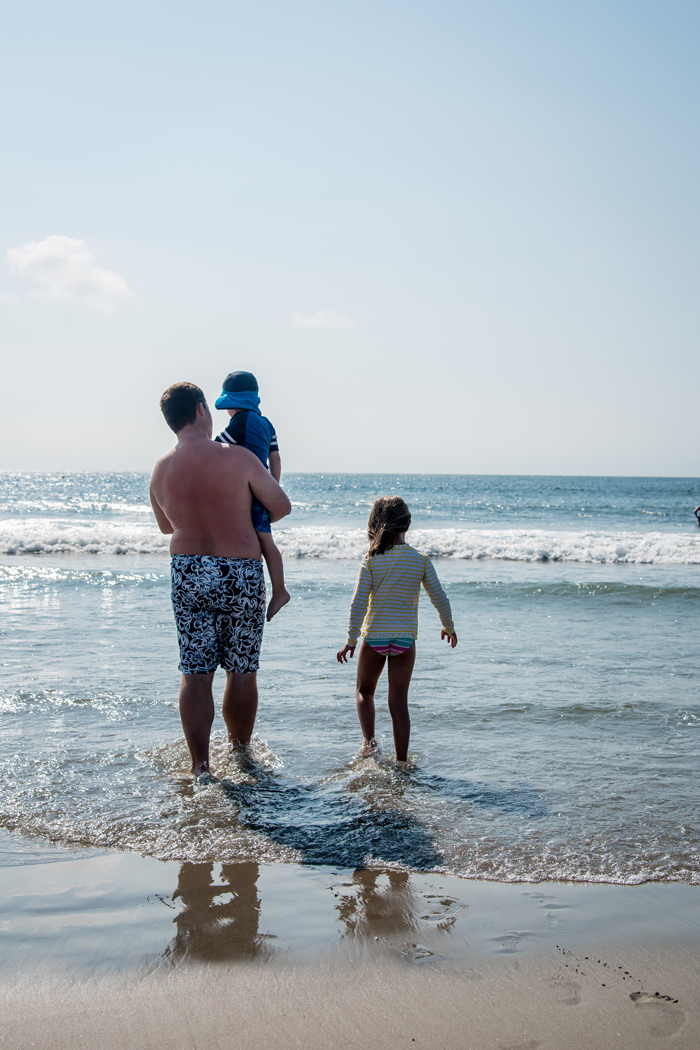
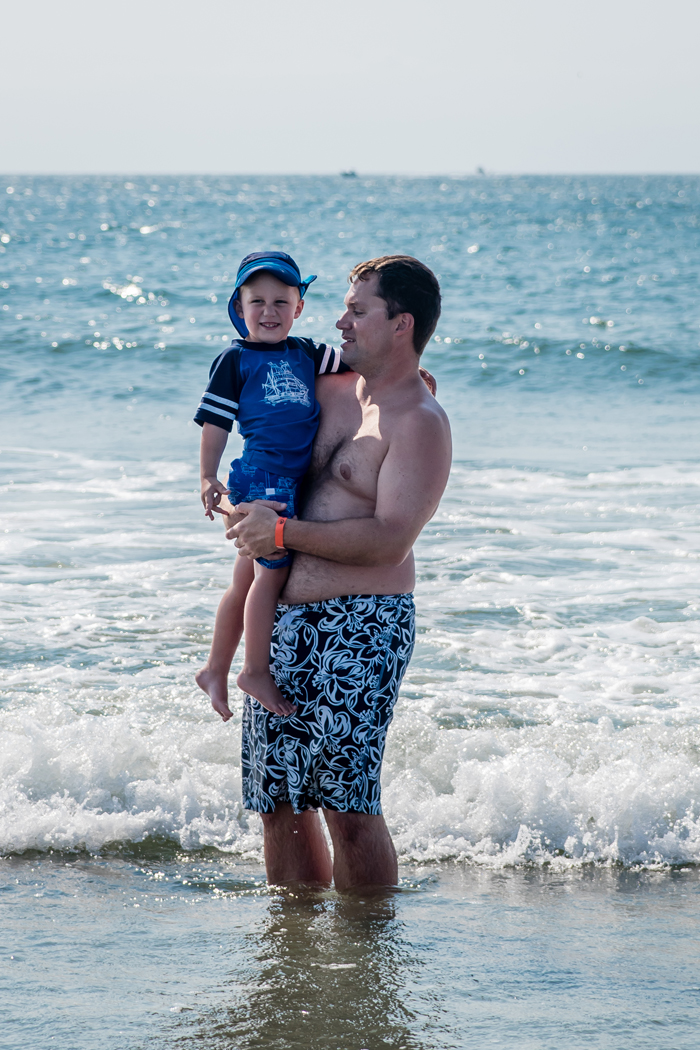
We were back at Narragansett beach, which is my personal favorite.  But the part that I'll remember fondly on, is that Noah was willing to go in the water with Chris, even if it was being carried.  While Noah loves going to the beach, he's not really fond of the water.  I can't really blame him because I'm not a fan either and actually very rarely get wet at all at the beach.  But Chris grew up swimming in the ocean and would love to share that experience with Noah.  I have a feeling (or at least hope) Noah will get more comfortable with the water the more we go... we just need to be patient.  


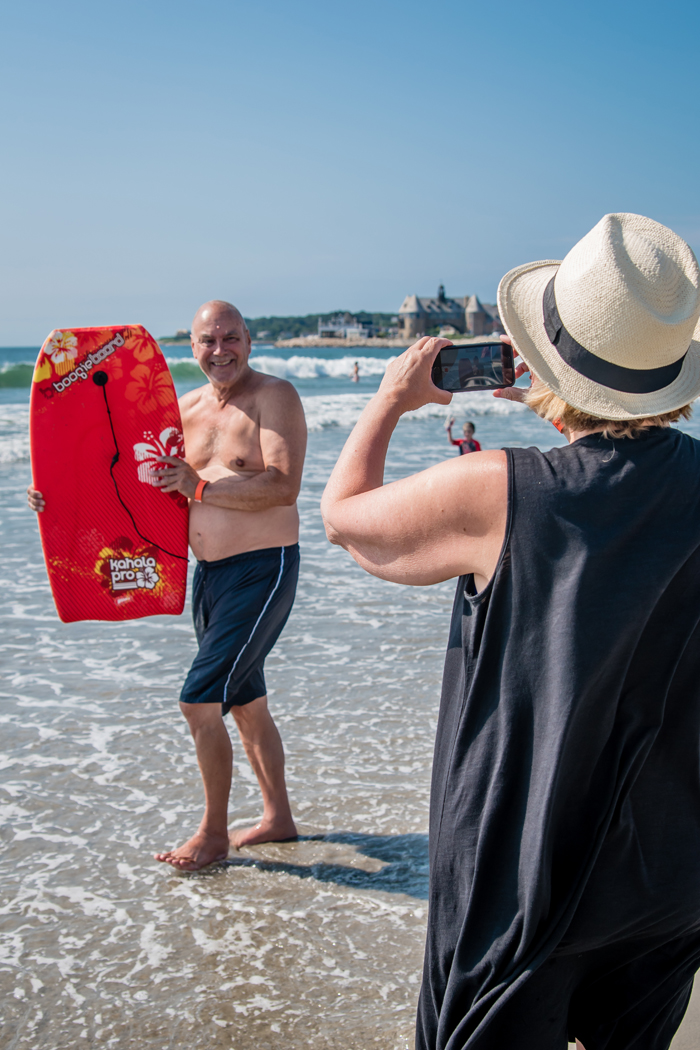
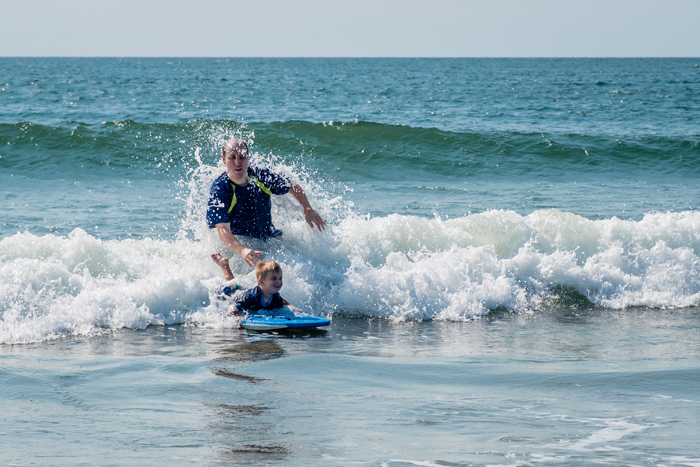
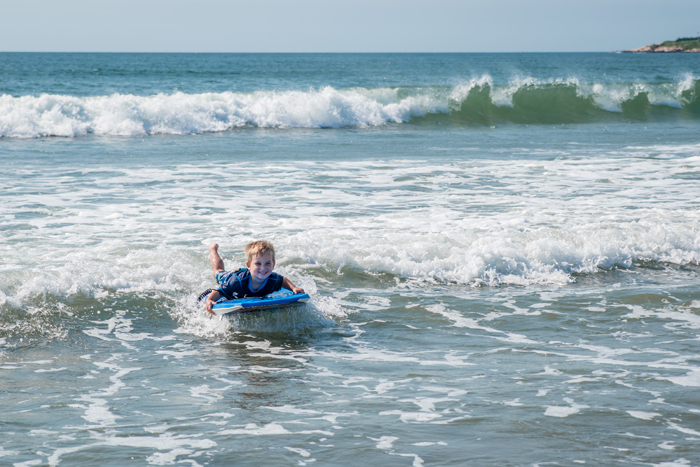
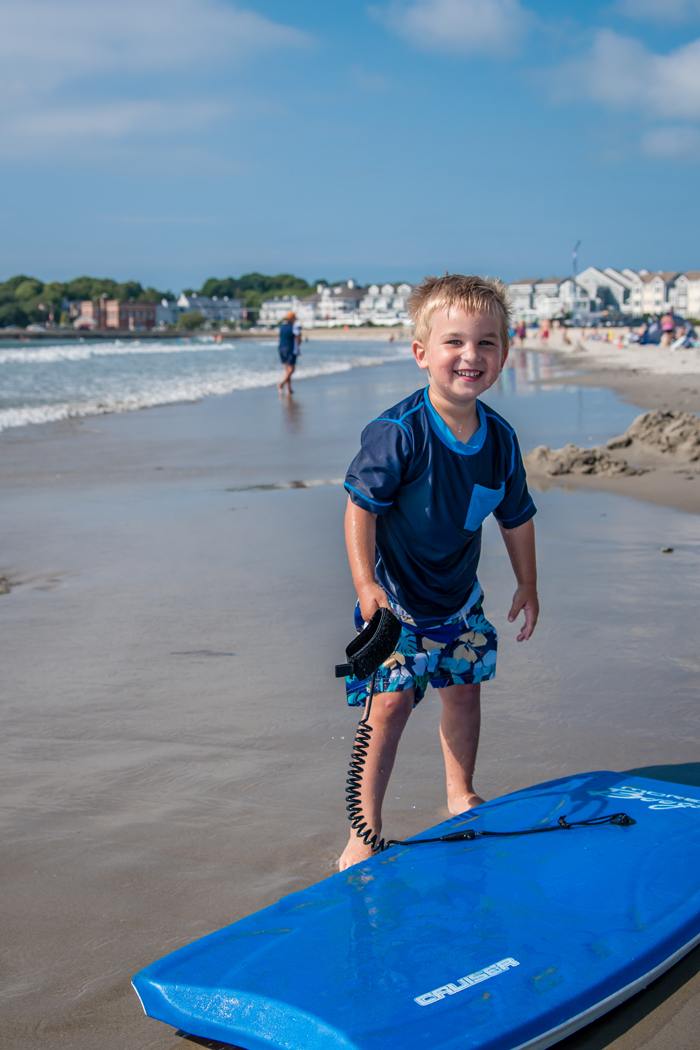
While Noah's older cousins have always been huge fans of swimming in the ocean, it was Aidan who shocked me!  Only a week older than Noah, and he was out there boogie boarding with his dad (my brother).  The look on his face when he'd ride the wave in was priceless.  He kept asking to go out and do it again!


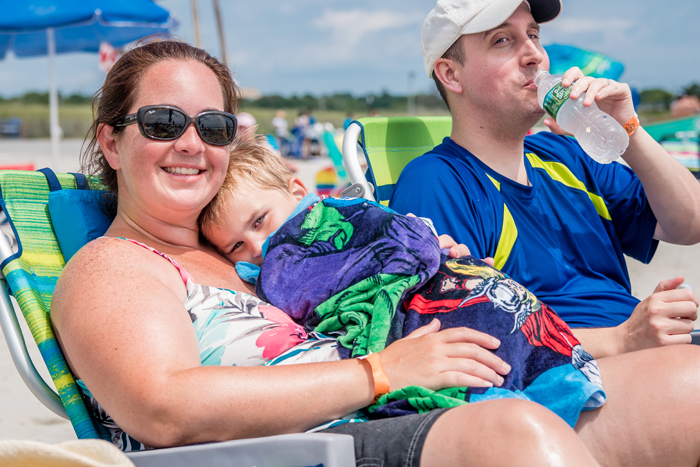
But after all that boogie boarding... he was done!  Time to rest with his mom :)

Avengers beach towel

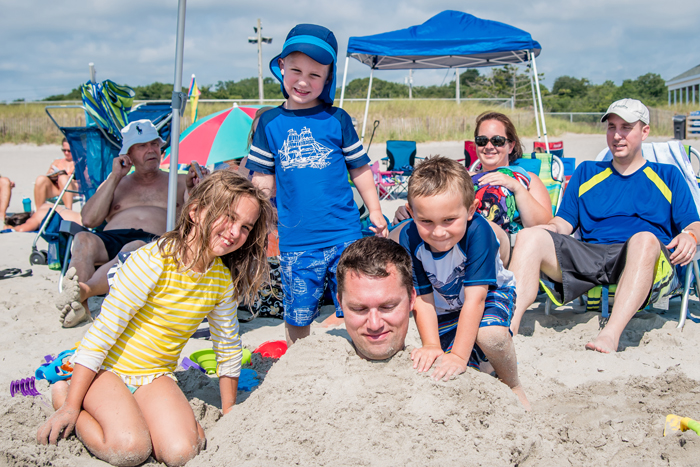
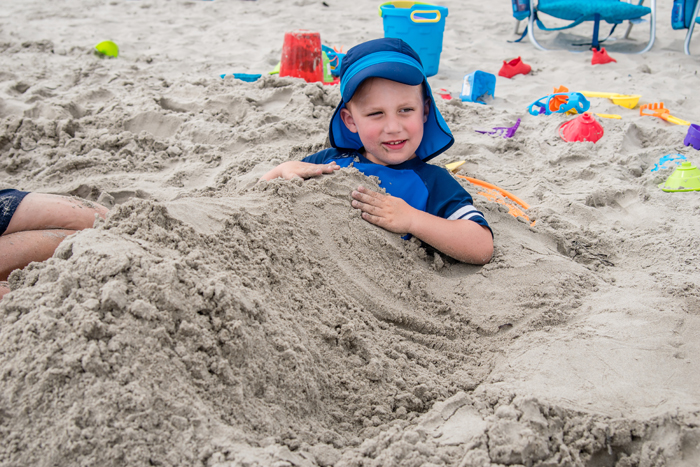
As usual, holes were dug and people were buried.  Just a normal day at the beach for us ;)


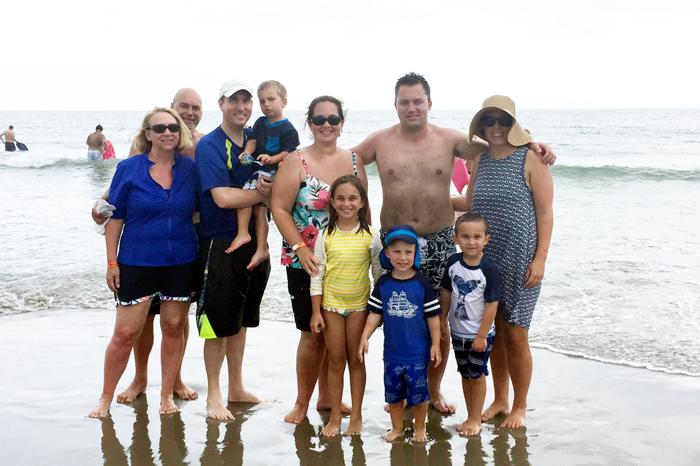
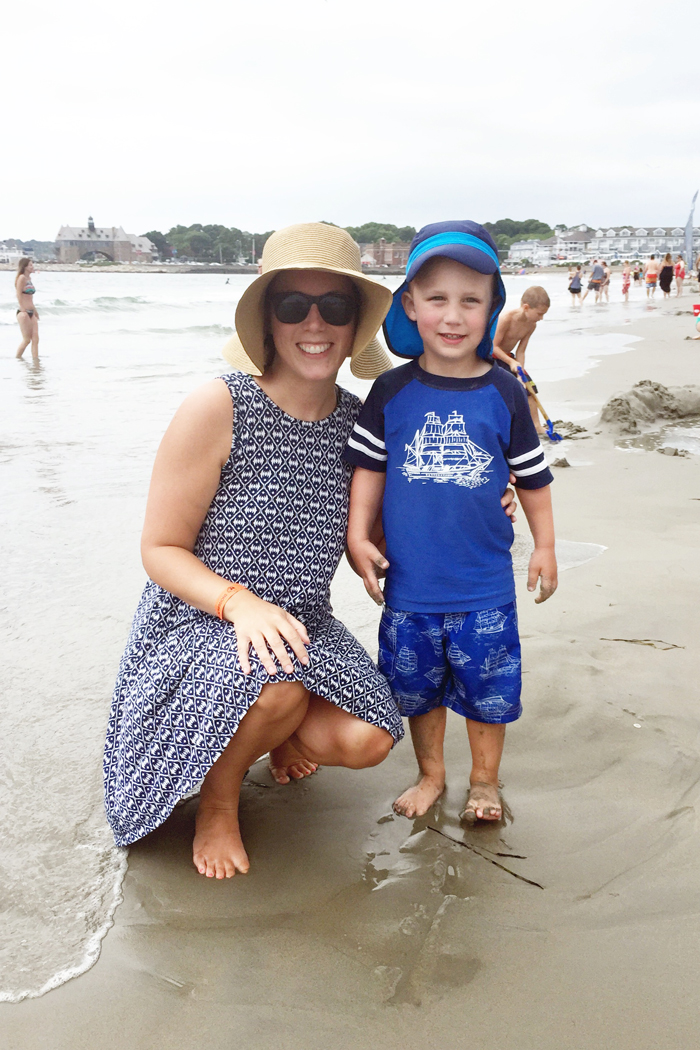
These next photos crack me up.  I really wanted to get a few posed photos.  One of me and Noah, one of me, Chris, and Noah, and one of the cousins.  Noah was not in the mood for photos so there was some bribery involved.  While I did get a photo of me and Noah, the family photo and cousin photo didn't exactly happen.  And as Noah and I were taking this photo, the waves kept crushing in and getting my dress wet.  That bottom photo where Noah is walking towards Chris, I'm more concerned about my wet dress!  Clearly I need to take a chill pill and realize I'm at the beach and am bound to get wet!


And speaking of that cousin photo... 


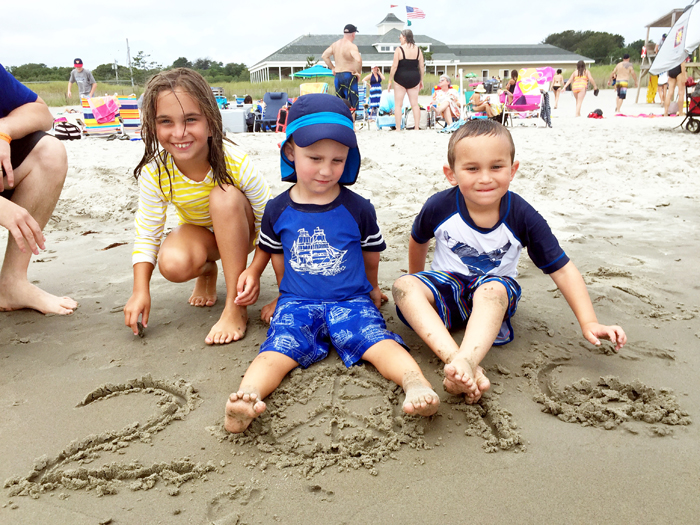
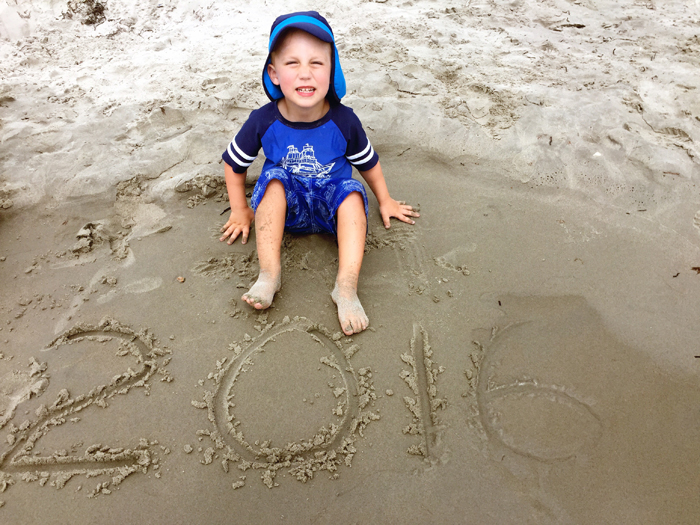
Chris and I love writing the year in the sand and trying to get a cousin photo.  Not only do you have to work fast before the tide washes away the year, but you also have to deal with the fickle moods of 3-8 year olds.  Noah wasn't interested in looking at the camera and Aidan wanted nothing to do with it at all.  Kids - 1, Mommy photographer - 0.


We finished our trip with lunch at our favorite seafood restaurant, Iggy's (which has become another family tradition) and some more hotel pool swimming.  While it was a short visit, it was a wonderful one.  I can't believe that the next time we all get together will be at Christmas!    

Make sure to come back tomorrow when I share the video I made of our trip as well as some tips for making your own family movies.  

To read about our past trips to Narragansett beach... 
2015 - beach, food | 2014  | 2013


Beth at Our Pretty Little Girls | Pinterest | Facebook | Instagram
Liz at Chasin’ Mason | Pinterest | Facebook | Instagram
Jessica at Sweet Little Ones | Pinterest | Facebook | Instagram
Ruthie at Rear. Release. Regroup. | Pinterest | Facebook | Instagram
Stephanie at Wife Mommy Me | Pinterest | Facebook | Instagram
Justine at Full Hands, Full Heart
Sarah at Abiding In Grace | Pinterest | Facebook | Instagram
Becky at BYBMG | Pinterest | Facebook | Instagram
Laura at Life Is Beautiful | Pinterest | Facebook | Instagram
Christina at Waltzing In Beauty | Pinterest | Instagram
Meghan at The Adventure Starts Here | Pinterest | Facebook | Instagram
Tina at Go Big or Go Home | Pinterest | Facebook | Instagram
 
Blogging tips